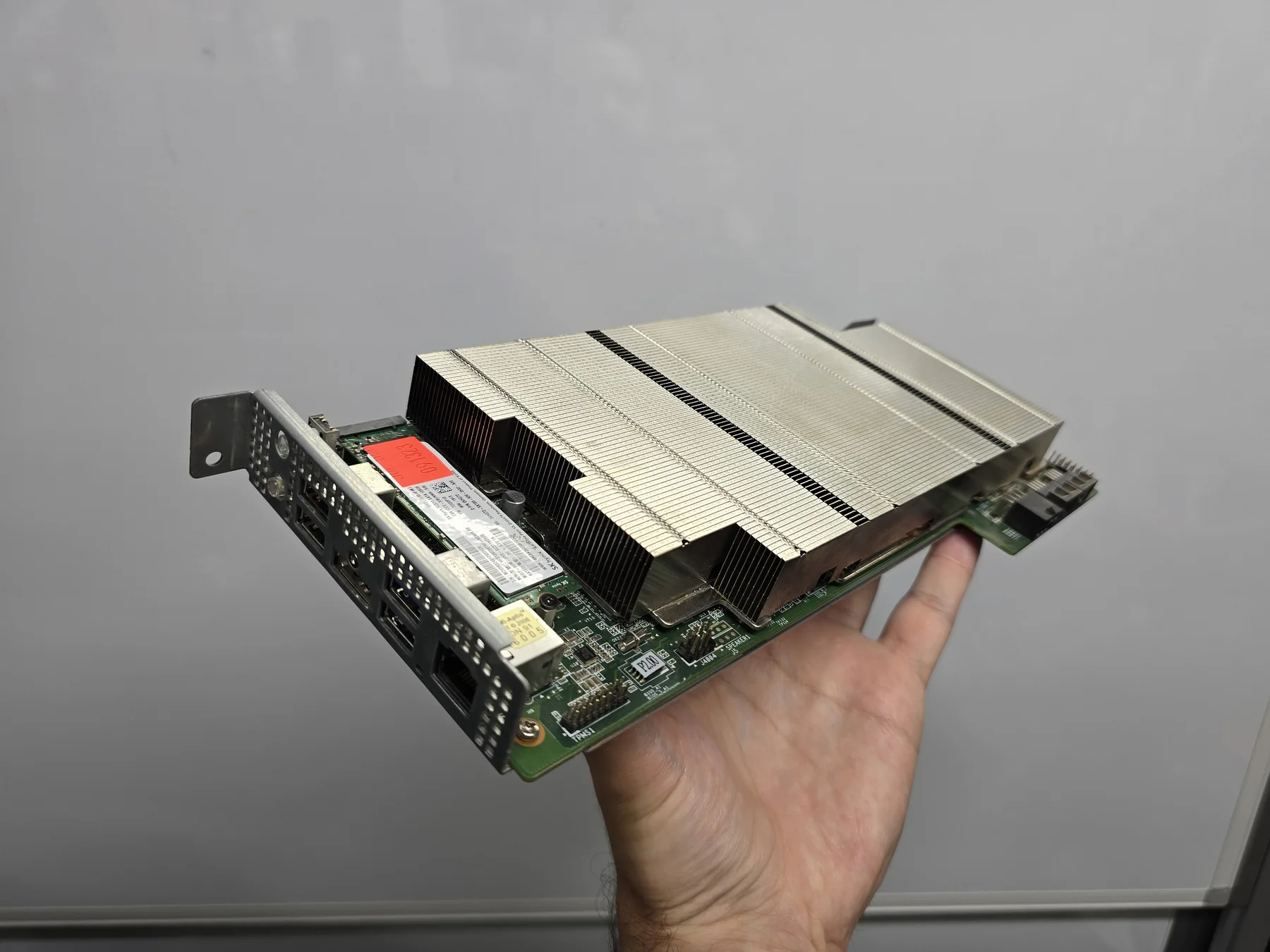
Your AMD BC-250 is a whole computer waiting for power, cooling and Linux. Find the parts you’re missing, connect them with confidence, then get your first game running.
A plug-in on/off control for a standard ATX supply used without a desktop motherboard.
Fit & testing notes
Before you buy Standard 24-pin motherboard-end connection; listing specifies a 50 cm braided lead and red indicator. Connect to the PSU’s own ATX cable, never directly to its modular sockets or the FSP NUC 10-pin plug. Shut Linux down before switching off.
Owner confirms this linked switch works. Exact PSU, mounting and long-term test details have not been recorded. This is manual PSU control, not a promise of automatic shutdown integration.
Need Wi-Fi or Bluetooth? Start with the exact adapter and Linux notes. A touchpad keyboard handles installation and desktop tasks between controller games; add a hub only when you need more USB ports.
As an Amazon Associate I earn from qualifying purchases. These are optional additions to suit your setup.
networkingCheck your build
TP-Link Archer TX10UB Nano · AX900 + Bluetooth 5.3
USB Wi-Fi and Bluetooth option when you need wireless connections.
Fit & testing notes
Before you buy Linux behavior can depend on hardware revision, distro and kernel; TP-Link's published downloads cover Windows.
Owner-reported working. Hardware revision, distro/kernel and separate Wi-Fi/Bluetooth test notes are not recorded.
Sponsored · I may earn extra commission from Flydigi on qualifying purchases.The owner uses and likes this controller with the BC-250. Adjustable stick tension and switchable triggers offer useful ways to change its feel.
Fit & testing notes
Before you buy Listing offers wired, Bluetooth and 2.4 GHz dongle connections. Exact Linux version and separately tested connection modes, gyro, vibration and customization features are not recorded. The charging dock is sold separately.
Owner confirms this exact controller works with the BC-250, September 12, 2026. This is personal use, not a comparison test or a guarantee of every Linux feature.
Optional wireless keyboard and touchpad for controlling a PC from the couch.
Fit & testing notes
Before you buy K400 Plus, model 920-007119, with Unifying USB receiver. Reserve a USB port; vendor customization software support is separate from basic keyboard input.
Manufacturer model and Amazon receiver bundle checked; no site BC-250 test recorded.
It can boot Windows, but there is no supported integrated-GPU Windows gaming driver path documented here. Its silicon lineage does not make it a PS5 or let it run PS5 games. Plan around Linux and compatible PC games.
How much performance should I expect?
It depends on the game, settings and board configuration. Factory, tuned and unlocked systems are different comparisons. Our performance guide explains what to look for in a result, including upscaling and frame generation.
What about Wi-Fi, Bluetooth and HDMI?
The board has Ethernet and DisplayPort. The site owner has successfully used the linked wireless and HDMI options; match the exact model and your intended display mode. See parts and compatibility notes.